The exported video is silent. Add Dave & Tems’ “Raindance” using the official sound library when you post, if available in your region and account.
Preview9:16
Your video appears here
A seaside scene will take shape after you upload your portrait.
The light changes everything
A few directions for the same portrait, each drawn from the slow, sunlit feeling of the shore.
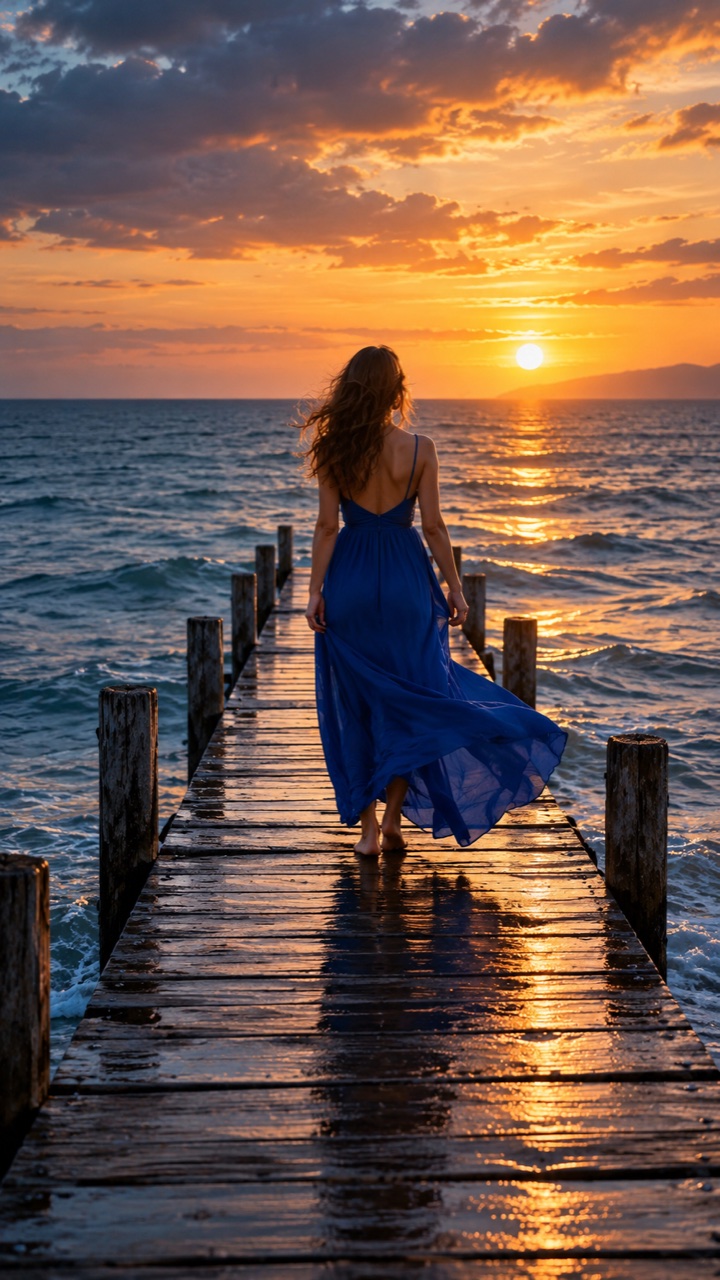
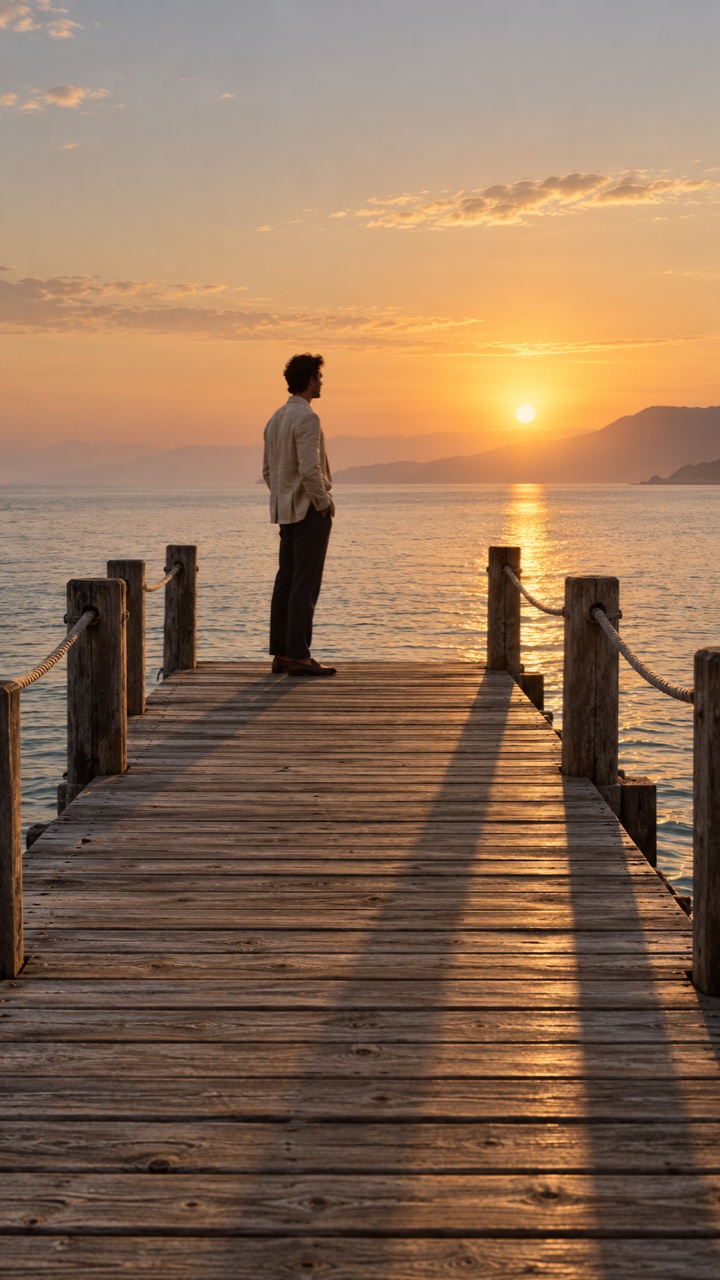
Golden pier
Long shadows, open water, last light.
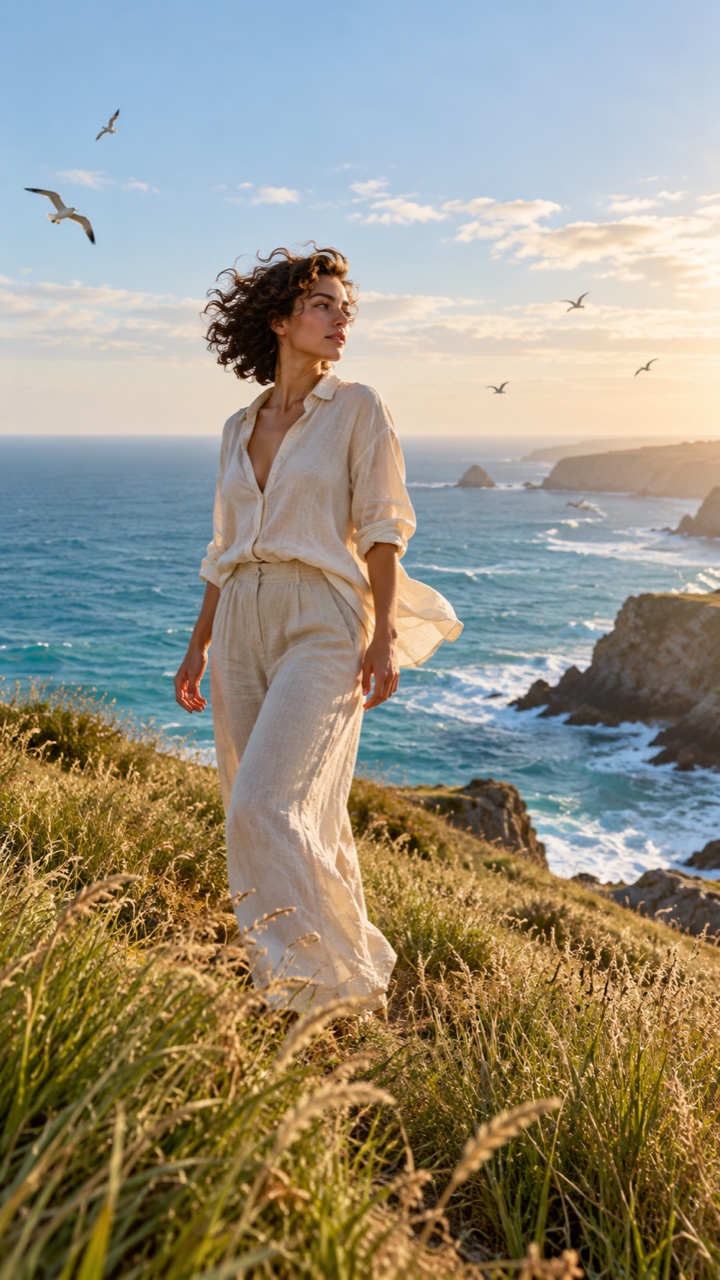
Sea breeze
Movement as gentle as the evening air.
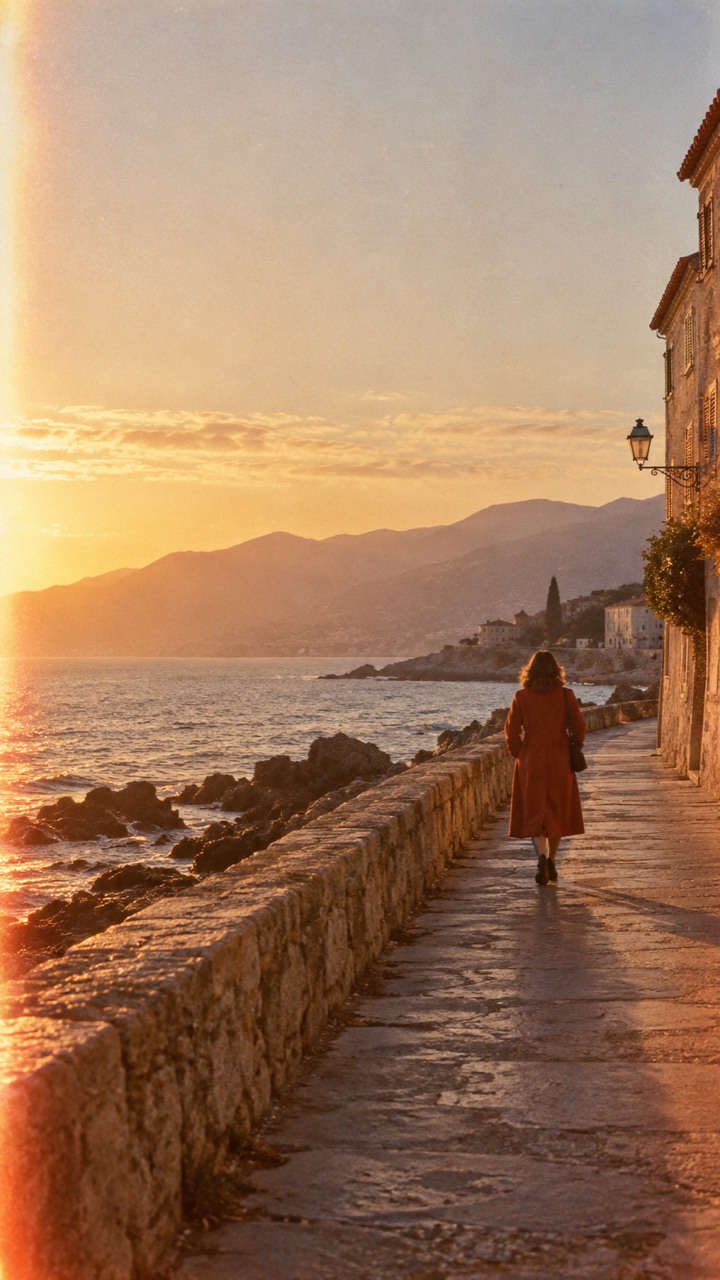
35mm memory
Soft grain and faded warmth.
How to make a Raindance AI video
Making a Raindance AI video takes three choices and no editing timeline. You never write a prompt or trim footage. The scene, the light and the camera move are already set, so your job is to pick a good photo and a look you like.
Upload your portrait
A clear, single-person photo gives the best result.
Use a waist-up or knees-up shot where your face is sharp and evenly lit. The generator rebuilds the background, so a messy bedroom or a busy street behind you is fine. Leave a little space above your head.
Pick the atmosphere
Choose a sunlit pier, ocean breeze, or vintage film mood.
Sunset Pier is the closest match to the trend. Ocean Breeze adds more movement in hair and clothing, and Vintage Film softens the colour with grain. You can generate again from the same photo with another look.
Download and share
Save your short silent clip and choose a sound when posting.
Your clip is a 5-second vertical MP4 with no audio. In TikTok or Instagram, add Raindance from the in-app sound library if it is available for your account, then switch on the app's AI-generated content label.
Raindance AI is a one-photo video maker for the golden-hour seaside look associated with the social trend around Dave and Tems’ “Raindance.” The familiar ingredients are simple: a lone subject, a pier or open shoreline, a low sun, and small natural movements that make a still portrait feel like a moment from a music video. Upload your own image and the tool creates a new scene around you rather than asking you to film at the coast.
This is an independent creative tool, not an official Dave or Tems release. It generates a silent five-second vertical video. The recording is not included in the download. That separation gives you a clean clip to edit, caption, or pair with a sound that is available to your account when you publish on a social platform.
How to create your clip
Start with a JPG, PNG, or WebP portrait showing one person. You can upload from a phone or computer; files up to 10 MB are accepted. Choose Sunset Pier for warm light over wooden boards, Ocean Breeze for gentle movement beside the water, or Vintage Film for a softer, grainier memory. The selected style guides the generated scene and motion.
After you sign in and confirm you have permission to use the photo, Raindance AI prepares the seaside image and animates it into a short MP4. The credit cost appears before you generate, and a failed generation returns the credits it used. Watch the result in the studio or find it later under My videos. Because AI video is variable, check the face, hands, clothing, and background before sharing.
Choose a photo that moves well
A clear face matters more than a professional camera. Pick a photo with one visible person, even light, and enough detail around the shoulders and clothing for the model to understand the subject. A natural expression usually makes a more believable turn or smile. Leave a little room around the head instead of cropping tightly at the hairline.
Avoid heavy beauty filters, large sunglasses, motion blur, and crowded group pictures. These can hide the details that keep your face recognizable. If the first result feels less like you, try a different source photo with a straighter angle and clearer lighting. Only upload a portrait you own or have the person’s permission to use.
Make the golden-hour look your own
The sunset pier style puts long shadows and glowing water around the subject. Ocean Breeze gives the scene a gentler, more open feeling through subtle hair and clothing movement. Vintage Film adds a nostalgic color and grain direction. All three focus on one person in a cinematic coastal setting, so you can choose the mood that fits the original portrait.
Keep expectations grounded: the generated clip is a new AI interpretation, not footage of a real location or a frame from the official music video. Small variations in expression, pose, and background are normal. The strongest clips usually rely on restrained motion, a clear subject, and a simple composition rather than a crowded scene.
Add music when you publish
Download the silent vertical MP4, then open your preferred social app. If Dave and Tems’ “Raindance” is offered in its official sound library for your region and account, select it there and align the clip to the part you want. You can also choose another sound you are allowed to use. Availability and commercial-use rules depend on the platform and account type.
You may add captions, a cover frame, or a short lead-in that shows the original photo before the moving result. Mark AI-generated content when a platform asks you to do so, and get consent from anyone whose likeness appears. Raindance AI supplies the visual clip; it does not grant rights to a song, a person’s image, or someone else’s video.
Use a clear photo with one person, visible face, and good lighting. JPG, PNG, and WebP files up to 10 MB work.
How long is a Raindance AI video?
The current generator makes a five-second vertical MP4. Processing time varies with the AI provider and queue. You can see progress in the studio and revisit completed videos in My videos.
How long does it take to make a video?
Most videos finish within a few minutes. The tool first composes your golden-hour scene, then animates it, and the studio shows which stage is running. You can leave the page and find the finished clip later in My videos.
Will the person in my video sing or lip-sync?
No. The generator makes a quiet music-video moment rather than a performance: a slow step along the pier, a slight turn toward the horizon, a soft smile and hair moving in the sea breeze. Lip sync to the song is not part of the clip.
Does the download include “Raindance”?
No. Your video is generated without the Dave & Tems recording. When posting, select the official sound within your social app if it is available to you.
Is Raindance AI affiliated with Dave, Tems or their record label?
No. Raindance AI is an independent video tool. It is not endorsed by Dave, Tems or anyone involved with the song, and it does not supply the recording, the official music video or any music download.
Can I post the video to TikTok, Reels, or Shorts?
Yes. The output is a vertical, silent MP4 that you can upload to those apps. Add music and captions in the app, follow its AI-content and music rules, and use only portraits you have permission to transform.
Do I need to say the video is AI-generated?
Yes, please do. Every clip from Raindance AI is AI-generated, not real footage. Switch on the AI-generated content label in TikTok, Instagram or YouTube when you post, and only feature people who agreed to it.
What happens to the photo I upload?
Your photo is resized in your browser and sent to our AI provider only when you press Generate. We do not keep a copy of the original photo. The generated scene and video are saved to your account so you can download them again.
Can I upload someone else’s photo?
Only upload a photo you own or have permission to use from the person pictured.